Most affiliate marketers spend their time chasing traffic. They post links, try new platforms, and hope something sticks. What they rarely do is build an asset that keeps working even when they step away.
A free resource library is one of the simplest ways to do exactly that.
Instead of sending visitors to one offer or one page, you give them a reason to stay, explore, and subscribe. Over time, that single library can become the backbone of your list building system.
Let’s walk through how to create one that actually grows your list without constant promotion.
Why a Resource Library Works So Well
People do not wake up wanting to join an email list. They join because something feels useful and relevant to where they are right now.
A resource library works because it shifts the value forward. Instead of asking for an email first and explaining later, you clearly show what someone will get access to.
A good library does three things at once.
It positions you as helpful and organized.
It reduces decision fatigue for beginners.
It creates a natural reason to opt in.
When someone sees a collection of tools, guides, and starting points in one place, subscribing feels like a smart move instead of a marketing trick.
What Goes Into a Simple Resource Library
You do not need dozens of items to get started. In fact, too many resources can overwhelm people and stop them from taking action.
Start with five to seven items that solve early stage problems.
Examples include:
A beginner checklist or roadmap
A short PDF guide
A simple planning worksheet
A links page to tools you personally use
One or two articles that explain key concepts
The goal is not to impress people with volume. The goal is to remove friction and answer the question, what should I do next.
If someone can land on your page and immediately understand where to start, you are on the right track.
How to Structure the Library Page
Your library page should be simple and calm. Avoid clutter. Avoid popups stacked on popups.
Start with a short headline that explains the benefit, not the content.
For example, instead of saying “Free Resources,” say something like “Everything You Need to Get Started Without Guessing.”
Below that, explain in a few sentences who the library is for and what problem it helps solve.
Then list your resources in a logical order. Beginners should not have to figure out what to click first.
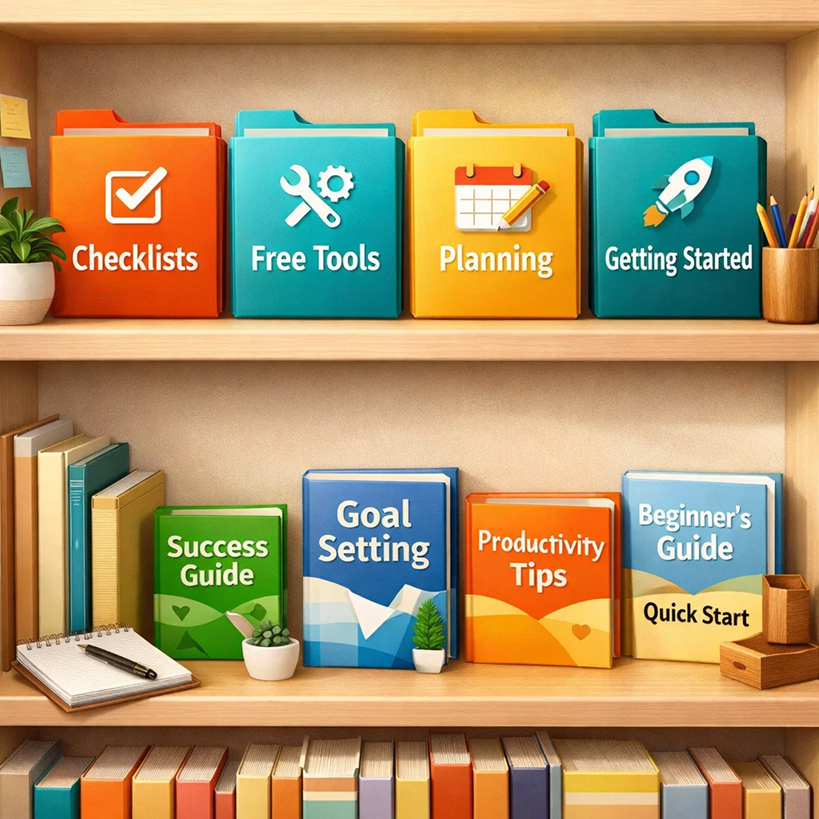
If possible, group resources into sections such as:
Getting Started
Tools I Use
Planning and Setup
Next Steps
This makes the page feel intentional and trustworthy.
Where the Email Opt In Fits In
Your opt in should not interrupt the experience. It should support it.
One effective approach is to gate the full library behind a simple opt in. Visitors can see what is included, but access requires an email address.
Another approach is to offer part of the library openly and reserve the deeper or more structured resources for subscribers.
Whichever you choose, be clear and honest. Tell people exactly what they will receive and how often you email.
Trust is what turns a one time visitor into a long term subscriber.
Tools You Can Use for Free
You do not need expensive software to build this.
A Google Site works well for hosting a clean resource library. It is easy to update and beginner friendly.
For opt-ins, a basic email autoresponder with a form is enough. You can also use free link tracking tools to see what people click inside your library.
The key is to keep everything easy to maintain. If updating your library feels like work, it will not get done.
How a Library Grows Your List Automatically
Once your library exists, every piece of content you publish has a destination.
Instead of linking to random offers, you link to your resource library.
Blog posts can point readers to it.
Pinterest pins can promote it.
Email signatures can include it.
Social posts can reference it casually.
Over time, traffic compounds. People arrive through different paths, but they all end up in the same place.
That is when list growth stops feeling manual.
Updating the Library Over Time
A resource library is not static. It should evolve as you learn what your audience needs.
Pay attention to questions you receive by email. Notice which links get clicked the most. These signals tell you what to expand or improve.
You do not need to rebuild everything. Small updates keep the library fresh and relevant.
Even adding one new resource every few months can make a big difference.
Avoiding Common Mistakes
The biggest mistake is turning the library into a sales page.
Yes, you will eventually recommend tools and systems. That is fine. But the library itself should feel supportive, not transactional.
Another mistake is trying to make it perfect before launching. Start simple. Publish it. Improve it later.
Progress beats polish every time.
Bringing It All Together
A free resource library works because it respects the reader. It gives them control, clarity, and a place to start.
If you want a simple framework for building this kind of system step by step, you can use the same approach outlined in the free plan below.
Get the 7-day Affiliate Jumpstart plan here:
https://llclickpro.com/yz3ww456/articles