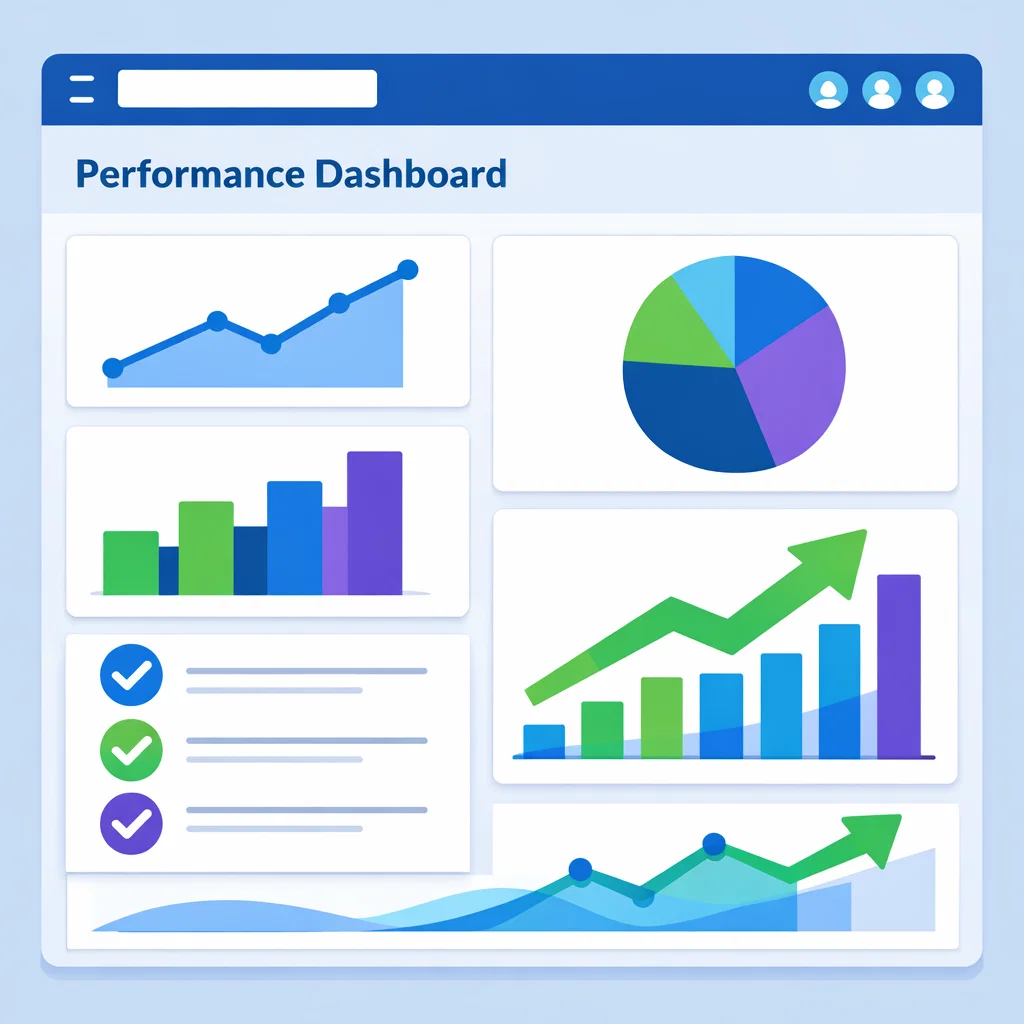
Affiliate marketing becomes much easier when you can clearly see what is working and what is not. Many beginners rely on guesswork, scattered spreadsheets, or logging into five different platforms just to understand their results. That approach quickly leads to frustration and wasted time.
A simple affiliate dashboard gives you clarity. It shows your traffic, clicks, conversions, and earnings in one place. You do not need advanced software or expensive tools. You just need a clear structure and a few basic data points that actually matter.
This guide walks you through how to build a practical affiliate dashboard that supports better decisions and steady growth.
Why an Affiliate Dashboard Matters
Most affiliate marketers focus on content and promotion but forget to track performance properly. Without tracking, you are working blind.
A dashboard helps you answer questions like:
Which content brings in the most clicks
Which offers convert best
Where your traffic is coming from
How your earnings change over time
When you can see patterns clearly, you stop guessing and start optimizing. Small improvements become obvious. Weak spots stand out quickly.
The goal is not complexity. The goal is visibility.
Step 1: Decide What You Actually Need to Track
Before opening any tools, decide what matters most for your business right now. Too many dashboards fail because they track everything instead of what is useful.
For most affiliate sites, these core metrics are enough:
Total page views
Affiliate link clicks
Conversion count
Revenue earned
Top performing pages
Top performing offers
If you are just starting, you can keep it even simpler. Traffic, clicks, and earnings are enough to begin with.
You can always add more later.
Step 2: Choose Simple Tools You Already Have
You do not need paid software to build a solid dashboard. Many creators already use tools that provide most of the data.
Here are common options:
Google Analytics for traffic
Affiliate network reports for clicks and sales
Google Sheets for organization
A basic notes app for observations
Google Sheets works well because it is flexible and easy to update. You can manually enter data weekly or monthly without stress.
If you prefer automation later, you can add it once your system is clear.
Step 3: Create a Basic Dashboard Layout
Open a new Google Sheet and create a clean layout. Think in sections instead of rows of raw numbers.
A simple structure could look like this:
Top section: Monthly overview
Middle section: Traffic and clicks
Bottom section: Conversions and revenue
Label everything clearly. Avoid clutter. White space helps you focus.
Example monthly overview fields:
Month
Total sessions
Total clicks
Total conversions
Total revenue
This gives you a snapshot in seconds.
Step 4: Track Traffic the Right Way
Traffic alone does not pay bills, but it tells you where attention flows.
Pull traffic data from Google Analytics once a week or once a month. You do not need daily updates.
Useful traffic metrics include:
Total sessions
Top landing pages
Traffic sources like search, social, or email
Add only the top five pages. This keeps your dashboard readable and actionable.
Seeing which posts attract visitors helps you decide what to update, expand, or promote more often.
Step 5: Track Affiliate Clicks Clearly
Clicks show interest. Without clicks, conversions cannot happen.
Most affiliate platforms show click data. Record it in your dashboard under each offer or page.
You can track clicks by:
Offer name
Page linking to the offer
Number of clicks
This reveals which content encourages action and which pages need better placement or messaging.
You may discover that a smaller article generates more clicks than a long guide. That insight is powerful.
Step 6: Track Conversions and Earnings Together
Clicks are only half the story. Revenue is the real signal.
Create a section that tracks:
Offer name
Conversions
Earnings
Earnings per click
Earnings per click helps you compare offers fairly. An offer with fewer clicks may outperform one with high traffic but low payouts.
This helps you prioritize smarter promotions instead of chasing volume.
Step 7: Add Notes and Observations
Numbers alone do not tell the full story. Add a notes column or section.
Use it to record things like:
Content updates you made
New links added
Seasonal changes
Offer changes
Over time, these notes explain why numbers changed. They turn your dashboard into a learning tool instead of a scoreboard.
Step 8: Review Your Dashboard on a Simple Schedule
Your dashboard only works if you use it.
Choose a simple rhythm:
Weekly quick check
Monthly deep review
Weekly checks show momentum. Monthly reviews help you decide what to double down on and what to stop doing.
Do not overanalyze. Look for trends, not perfection.
Step 9: Use Your Dashboard to Make Better Decisions
Once your dashboard is live, use it to guide action.
Examples:
Update pages that bring traffic but few clicks
Add internal links to pages with strong conversions
Replace low earning offers
Create more content similar to top performers
Your dashboard becomes a compass. It keeps your efforts focused and efficient.
Step 10: Keep It Simple and Sustainable
The best affiliate dashboard is the one you actually maintain.
Avoid turning it into a chore. Manual updates are fine. Simple visuals are fine. Perfection is not required.
What matters is consistency.
A clear dashboard removes emotion from decisions. It replaces guesswork with confidence.
That clarity is what allows small affiliate sites to grow steadily over time.
Final Thoughts
You do not need advanced tools to track affiliate performance effectively. You need clarity, consistency, and a system you trust.
A simple dashboard helps you work smarter, not harder. It shows you what deserves your time and what does not.
Start small. Track what matters. Improve one piece at a time.
That is how sustainable affiliate businesses are built.
Visit our Google Site here and see what is possible (No Opt-in)